Jitter drives the cue.
Raw pressure is useful for diagnosis, but it can flicker too much for rehabilitation feedback.
Hardware-software calibration
The hard part was not drawing a balance meter. It was separating noisy measurement from feedback a person could trust.
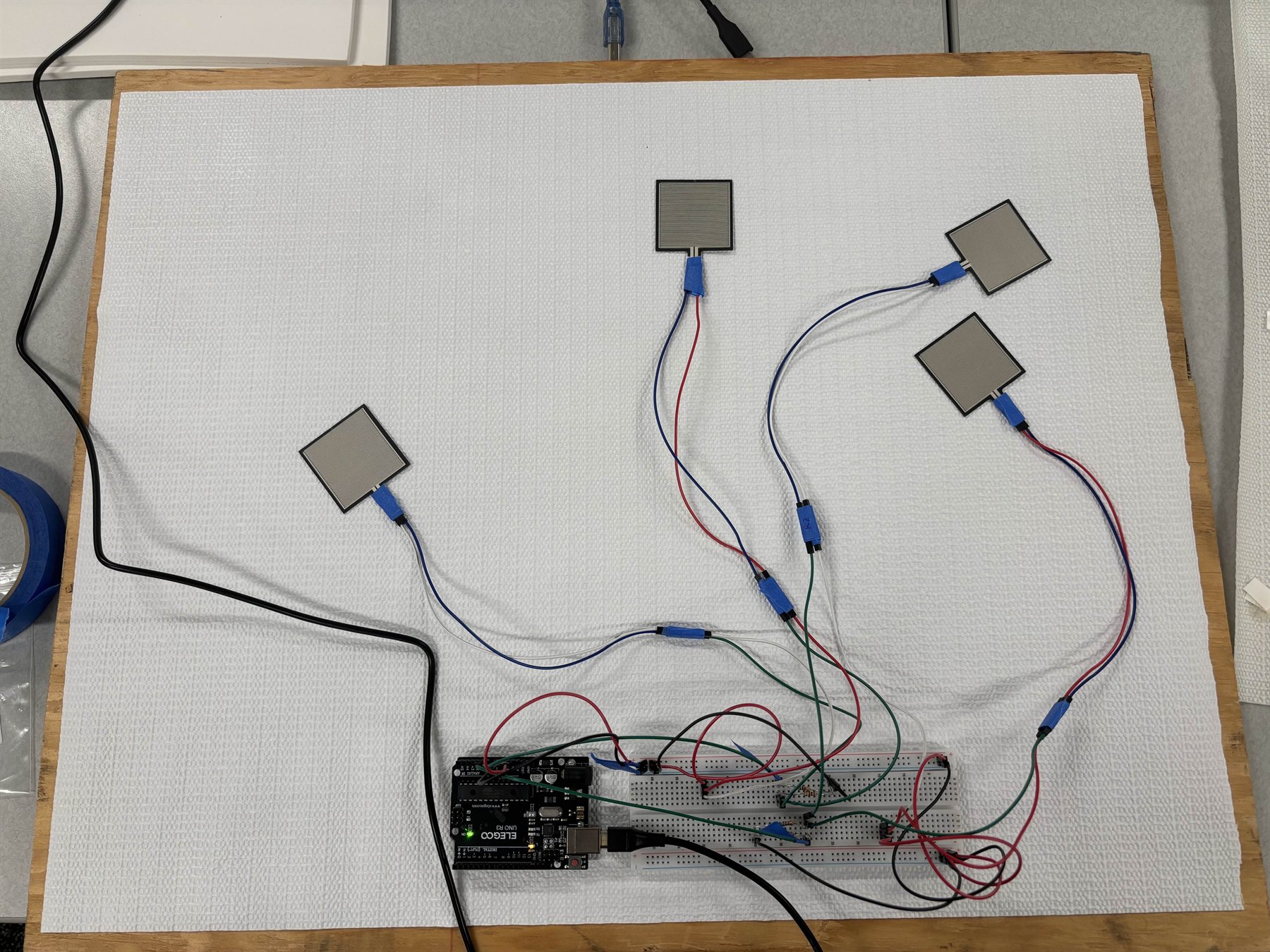
ReBalance is a rehabilitation feedback prototype built around force-sensing resistors, Web Serial data, calibration, and a live dashboard. The system reads left/right pressure from a physical board and turns that stream into a stable balance score.
The product constraint was human: if the cue flickers every time the user makes a tiny correction, the interface trains them to chase noise. The software had to preserve the raw signal for debugging while presenting a calmer correction cue.
This project appears under Projects on my resume.
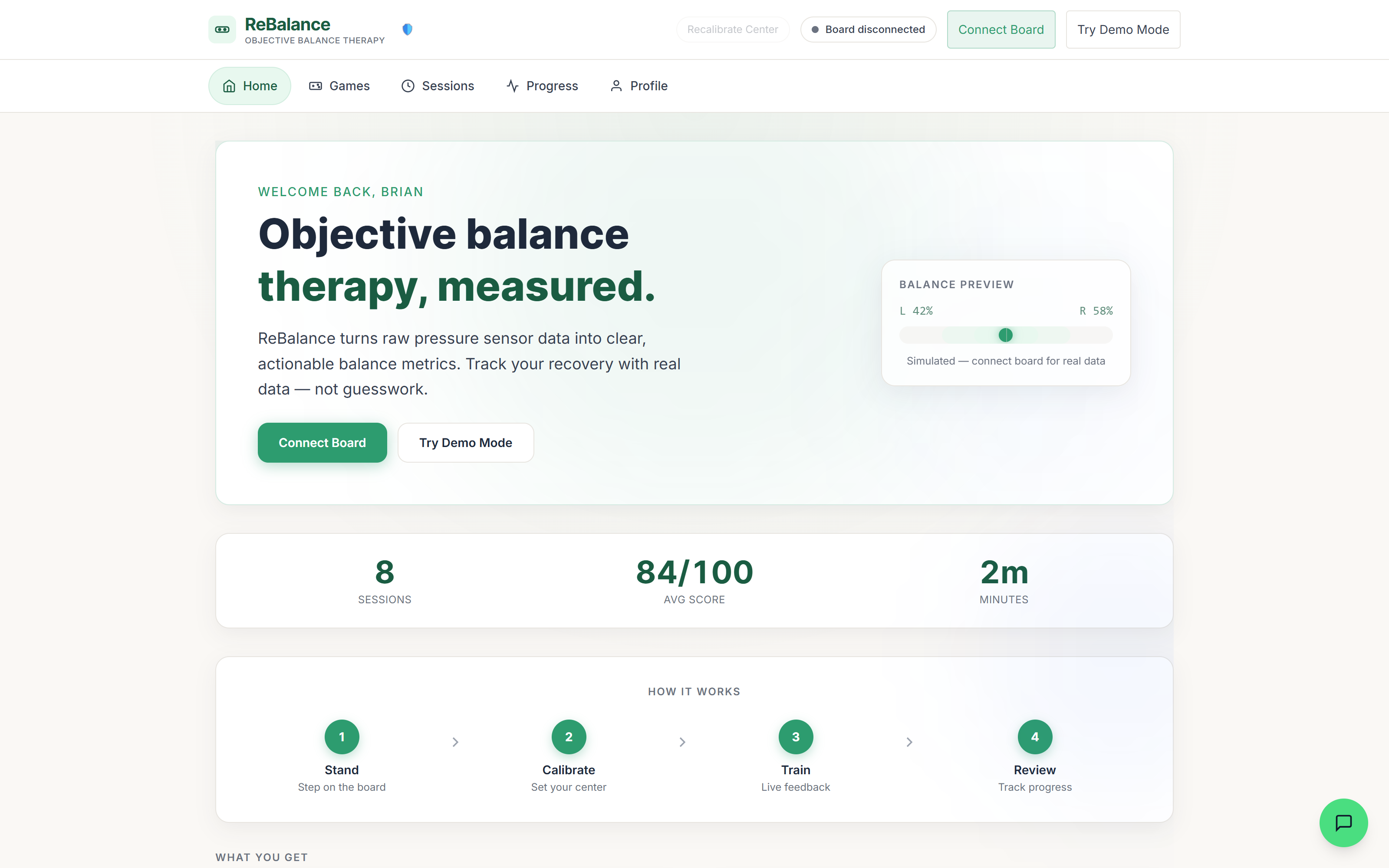
System flow
Architecture and calibration
The system keeps the debugging signal visible while separating it from the feedback a patient should act on.
Raw pressure is useful for diagnosis, but it can flicker too much for rehabilitation feedback.
Baseline correction, an active threshold, and zone scoring make the public cue calmer than the input.
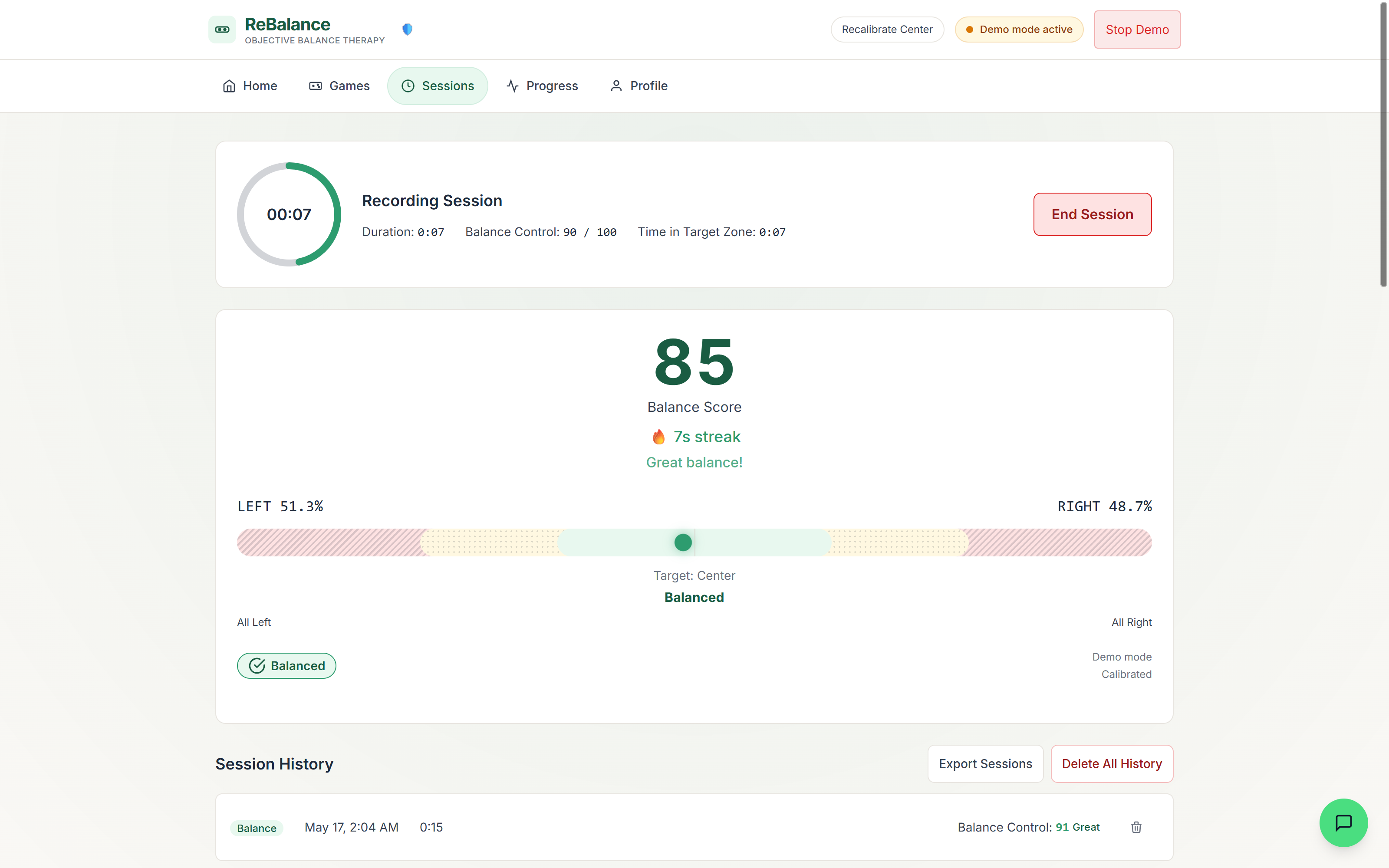
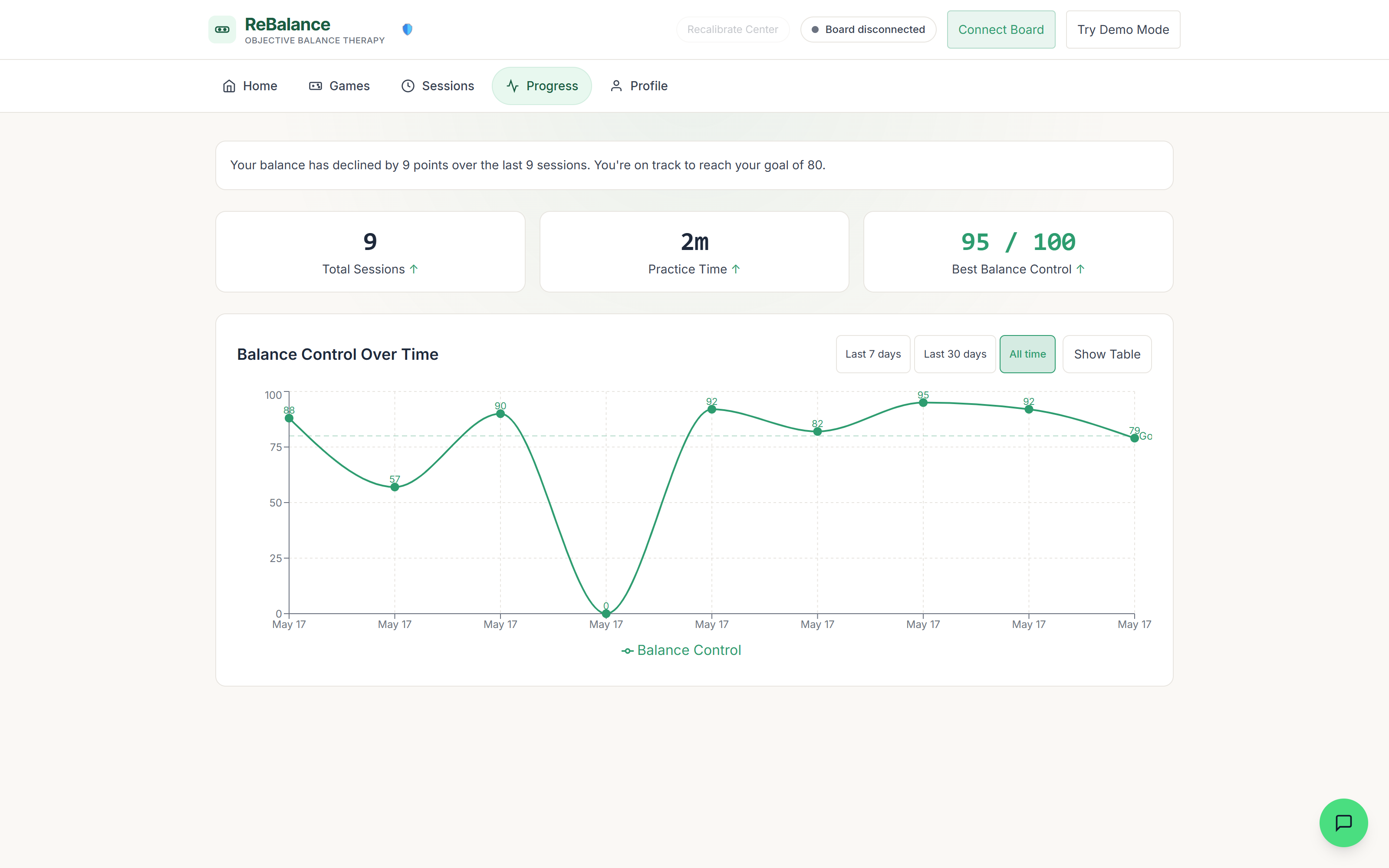
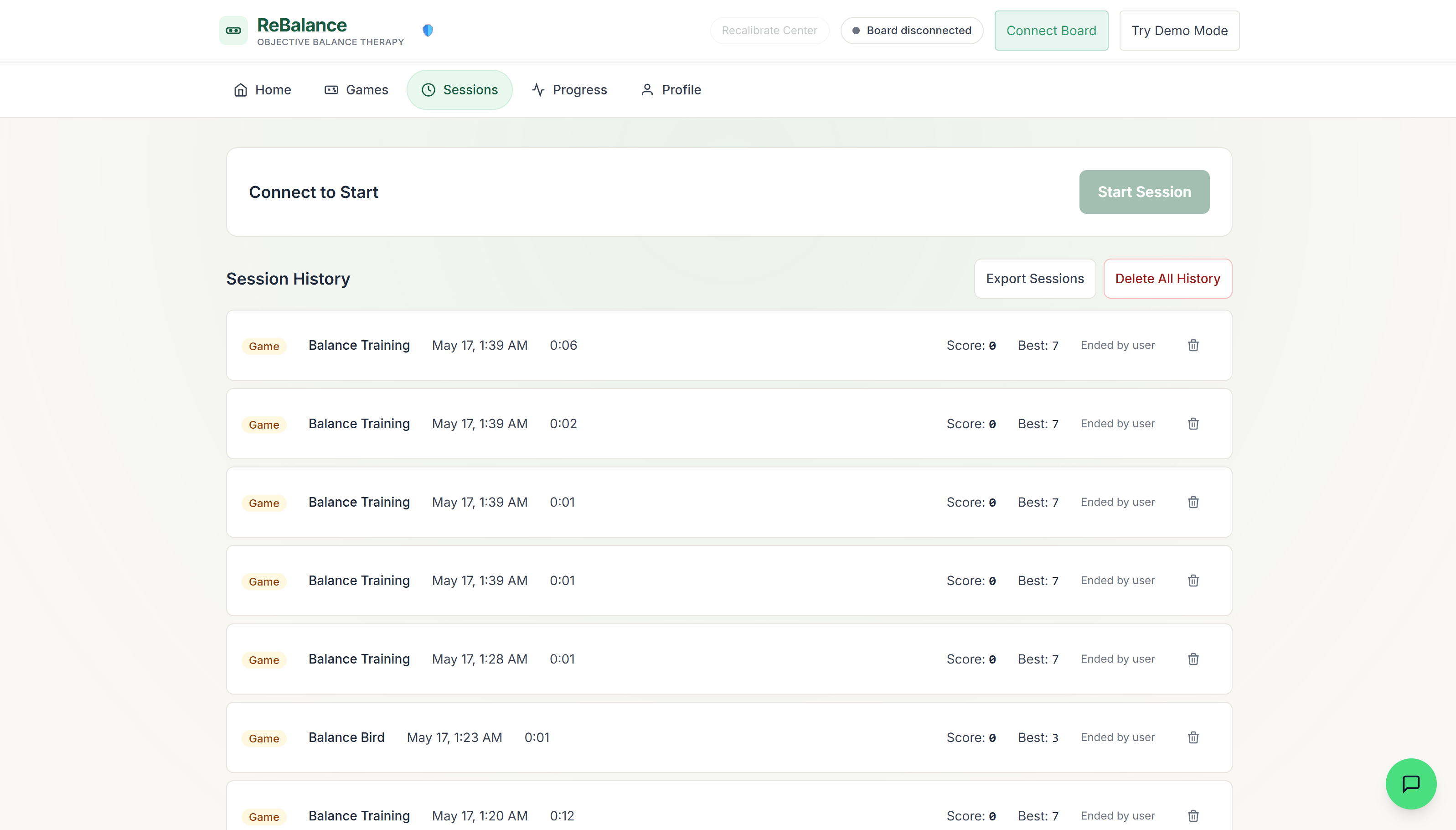
Project artifacts
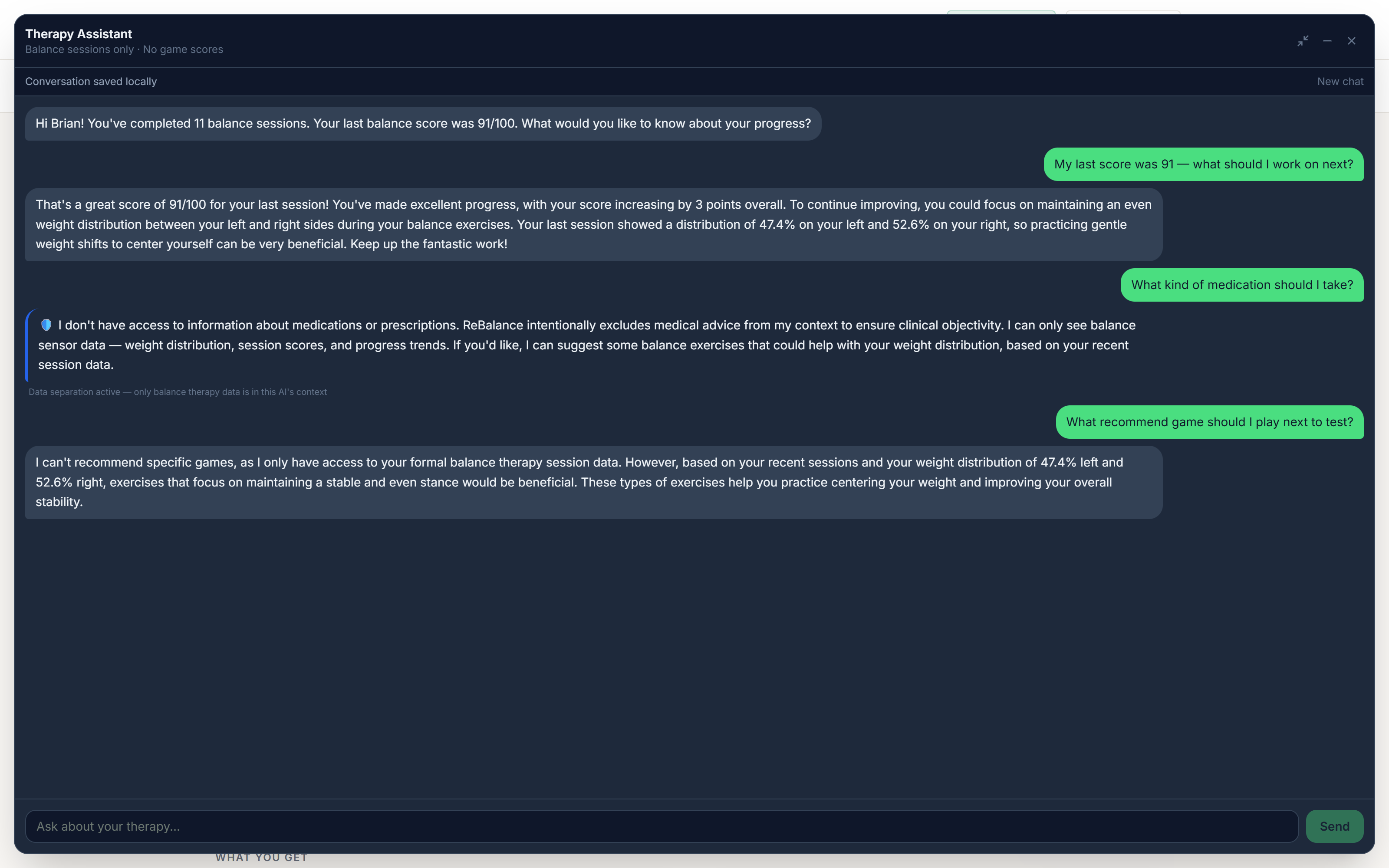
Real project media appears where available, with placeholder cards only where sanitized screenshots are still needed.
Technical deep dives
A neutral stance is not automatically neutral sensor data.
The calibration pass captures 100 samples over five seconds while the user stands centered. That produces a per-side baseline, so later readings can be scaled back toward the board's true center instead of assuming both sensors are identical.
The raw stream remains visible, but it does not directly drive the cue.
The scoring function starts with an active-pressure threshold, then classifies deviation from center into balanced, warning, or danger zones. That keeps the public cue stable while preserving enough diagnostic data to understand jitter.
The board sends simple newline-delimited frames; the UI owns parsing and resilience.
The serial hook buffers incoming text, splits complete lines, recognizes a readiness marker, and only updates pressure state when it sees two valid numeric values. That makes the connection layer explicit and debuggable.
Animated artifact
The visual keeps noisy samples visible while the calibrated output settles into a readable correction.
Code evidence
Snippets are trimmed for readability and paired with the source file they came from.
balanceback/src/utils/balanceCalc.js
if (total < ACTIVE_THRESHOLD) return { ratio: 0.5, score: 0, zone: "idle" };

const baselineAvg = (baseline.left + baseline.right) / 2;
const correctedLeft = left * (baselineAvg / baseline.left);
const correctedRight = right * (baselineAvg / baseline.right);
const ratio = correctedRight / (correctedLeft + correctedRight);
This is the core thinking: detect when the board is not active, normalize asymmetric sensors, then score the corrected ratio rather than raw pressure.
balanceback/src/components/Calibration.jsx
const SAMPLE_COUNT = 100;
const TOTAL_DURATION_S = 5;

samples.push({ left: values.left, right: values.right });
const avgLeft = average(samples.map((sample) => sample.left));
const avgRight = average(samples.map((sample) => sample.right));
The calibration flow turns a shaky live stream into a stable baseline by sampling over time instead of trusting a single reading.
Outcome and reflection
ReBalance shows my hardware/software bias: I do not treat the UI as separate from the physical system. The useful work was designing the translation layer between imperfect sensors and human-readable feedback.